Projects and weekly planning
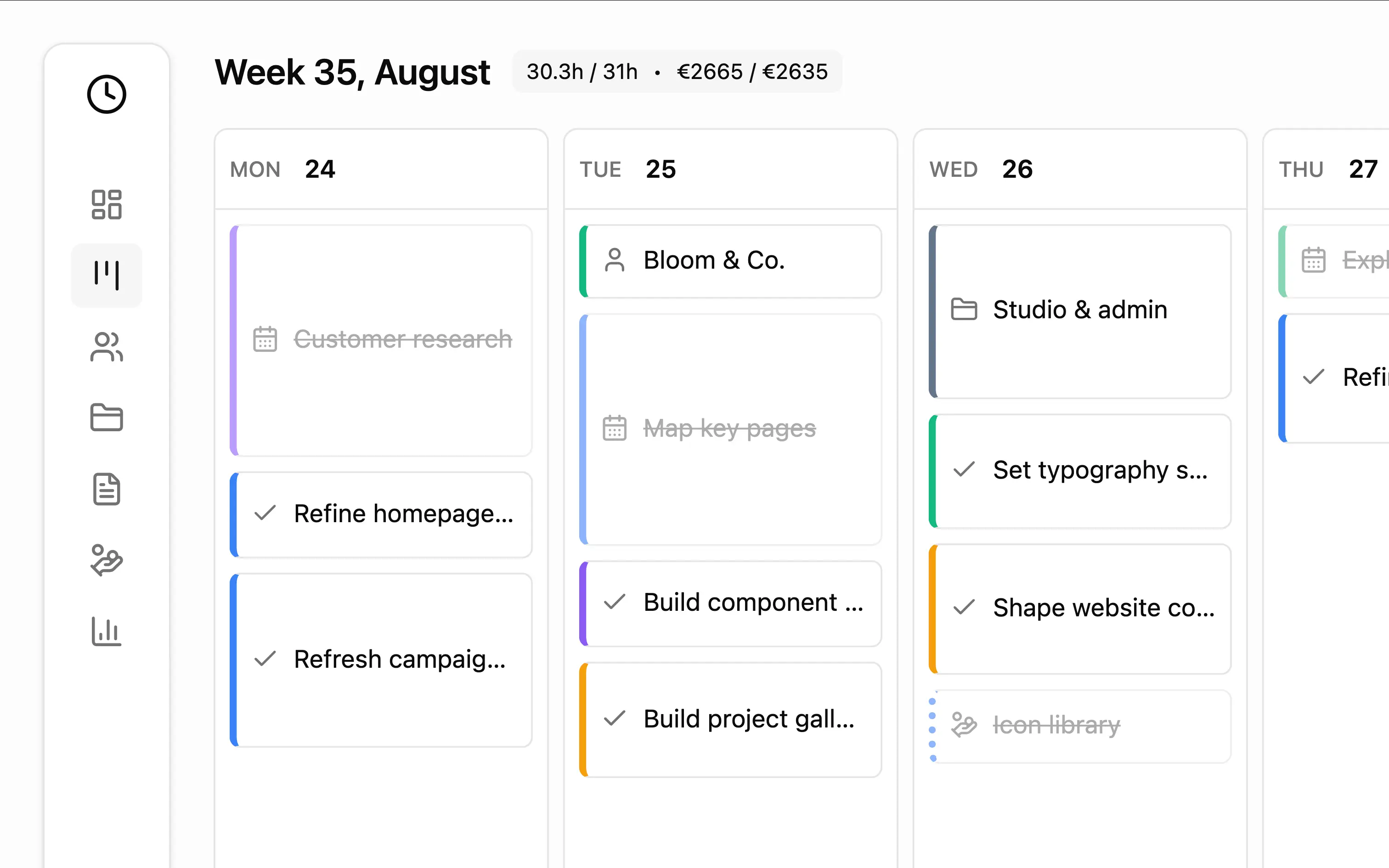
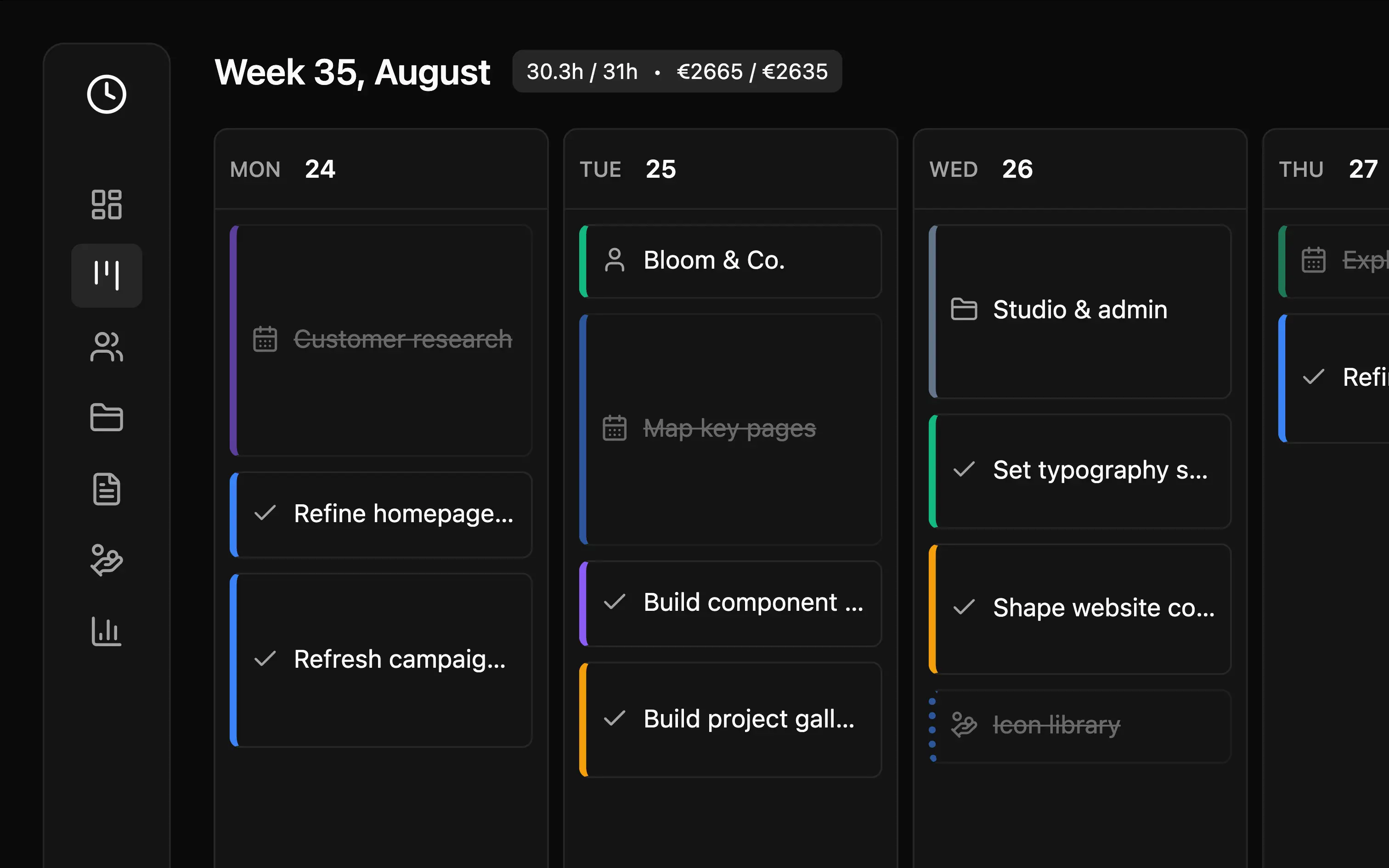
Keep tasks, notes, and deadlines together, and plan the work ahead.
Built for independent professionals
Plan projects, track time and expenses, and invoice clients—all in one workspace. Get optional help from your own AI assistant when you need it.
Start free. No signup.
Your one-person team
You plan the projects, do the work, track the costs, and handle the invoices. TaskTime Pro keeps it all connected, so you can spend less time piecing your business together.
Work directly in TaskTime Pro, or connect your own AI assistant to help manage the details.
One connected workspace
Your tasks, time, expenses, and billing stay connected to the same clients and projects.
Keep tasks, notes, and deadlines together, and plan the work ahead.
Use timers or manual entries to keep your hours attached to the right work.
Keep client contacts and your billing details ready for the next project.
Record project costs, recurring expenses, and tax-period progress.
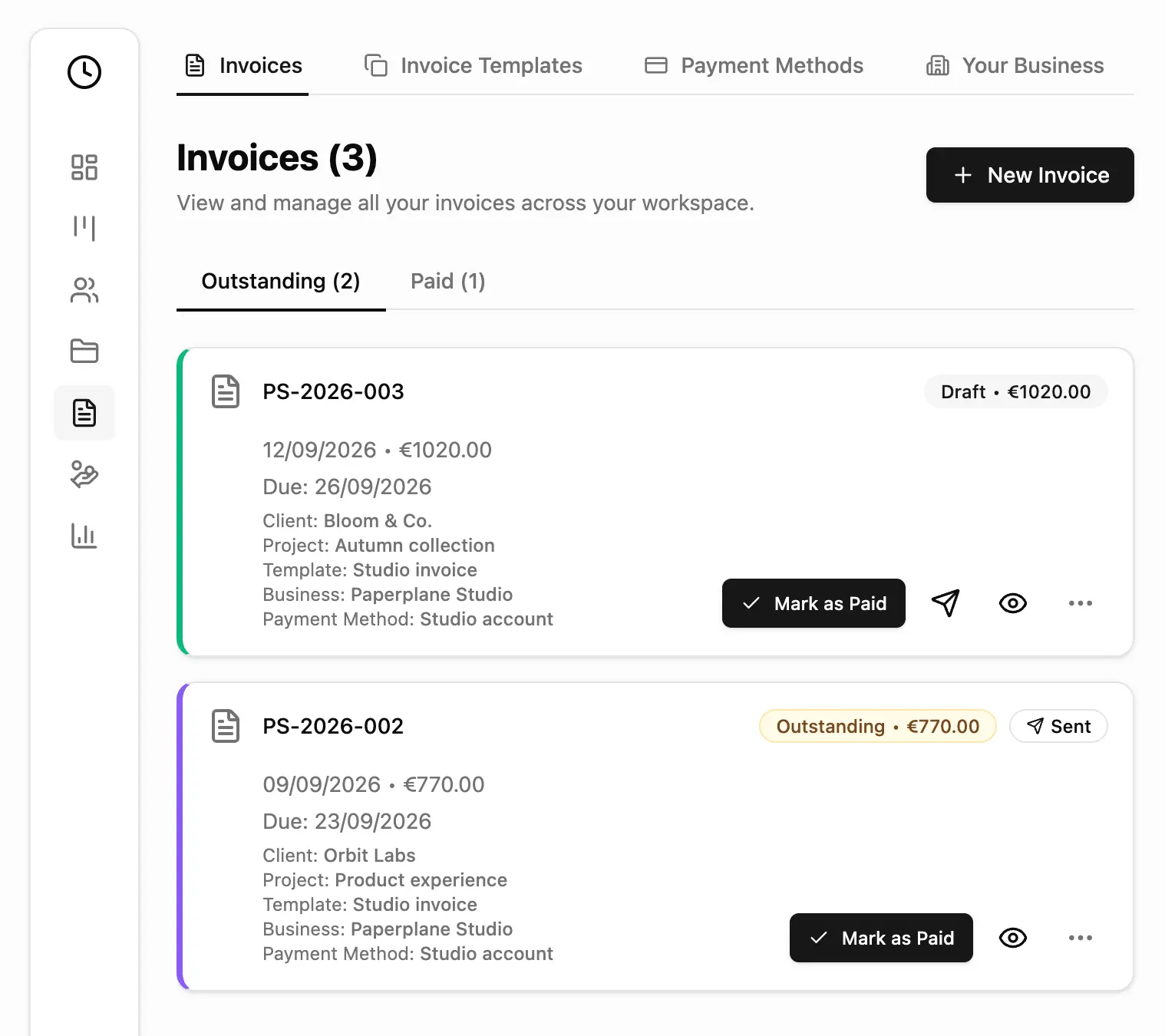
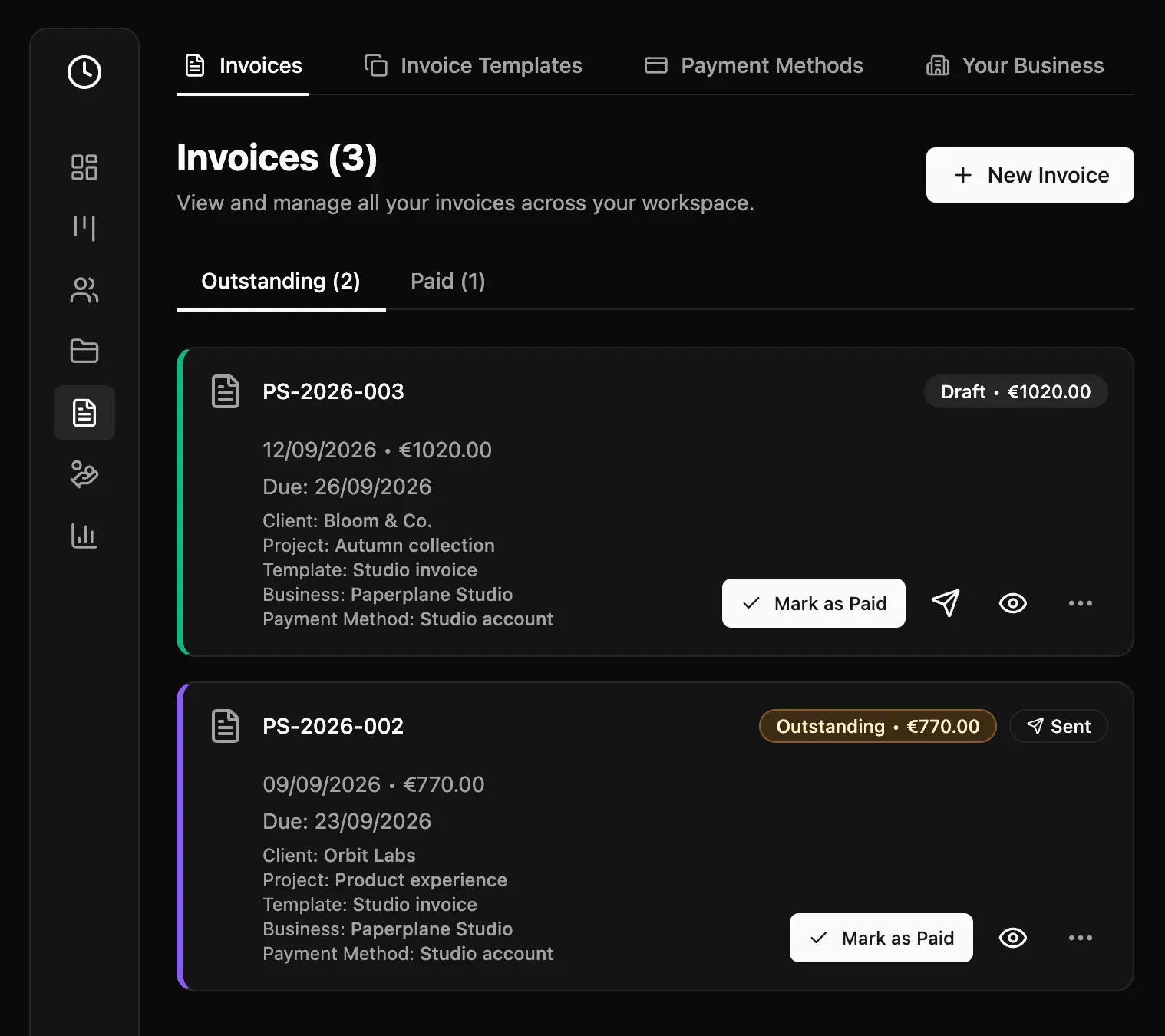
Create quotes and invoices from your work, and follow what’s been paid.
See where your time goes, what you earn, and what’s still outstanding.
Plan and track
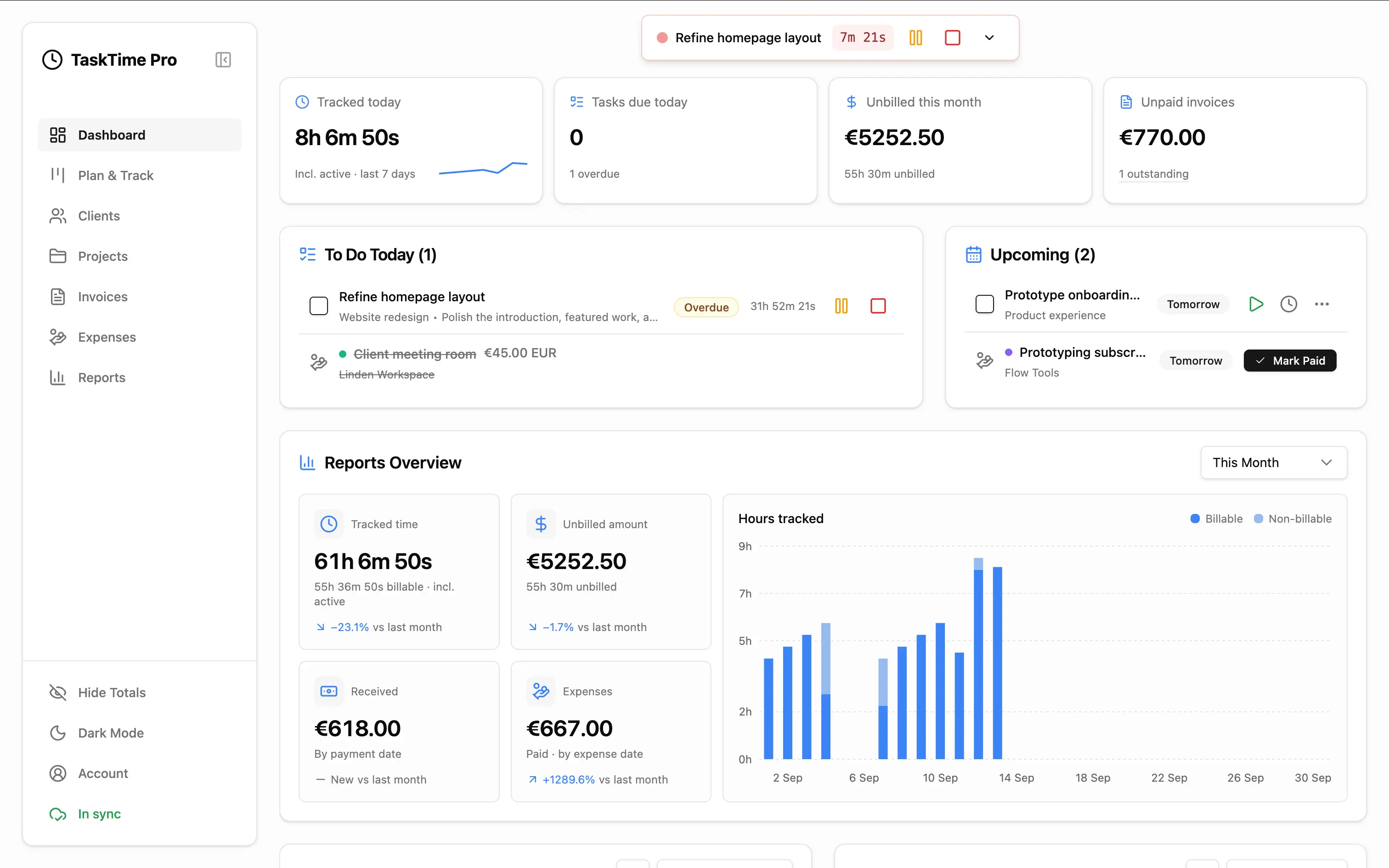
Plan work by week, keep tasks attached to the right project, and track time without losing the detail you will need when it is time to report or bill.
Invoice with context
Bring eligible time, project estimates, flat-rate tasks, and expenses into quote and invoice workflows, then follow payments and reports from the same underlying records.
On the goAt your desk
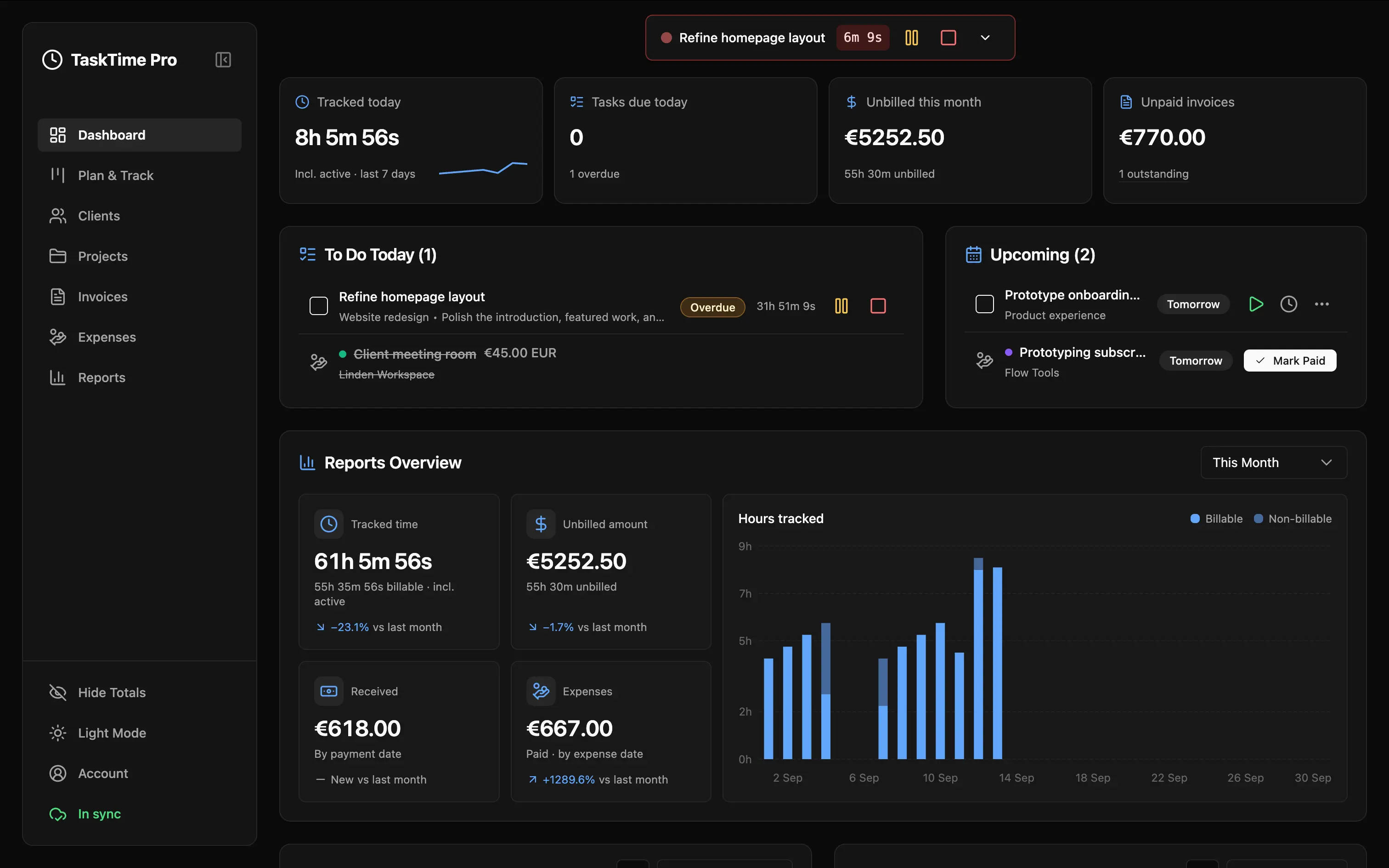
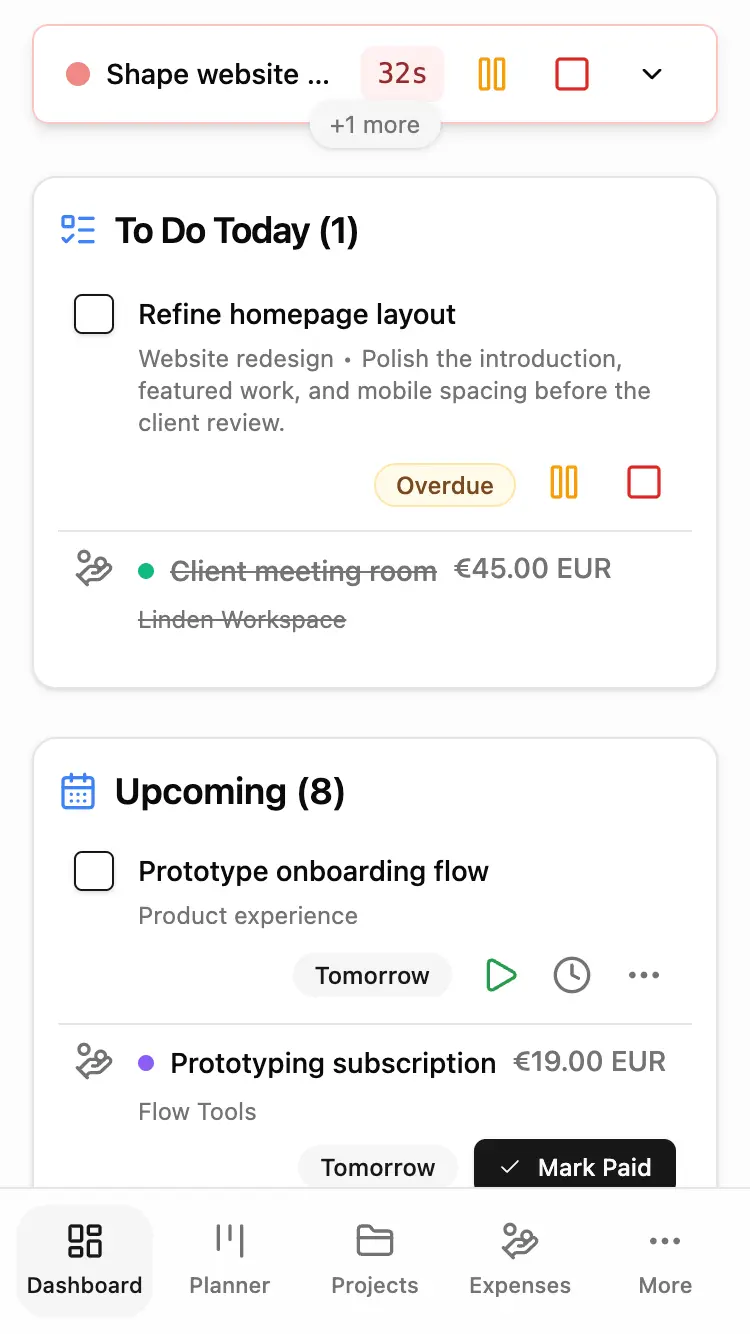
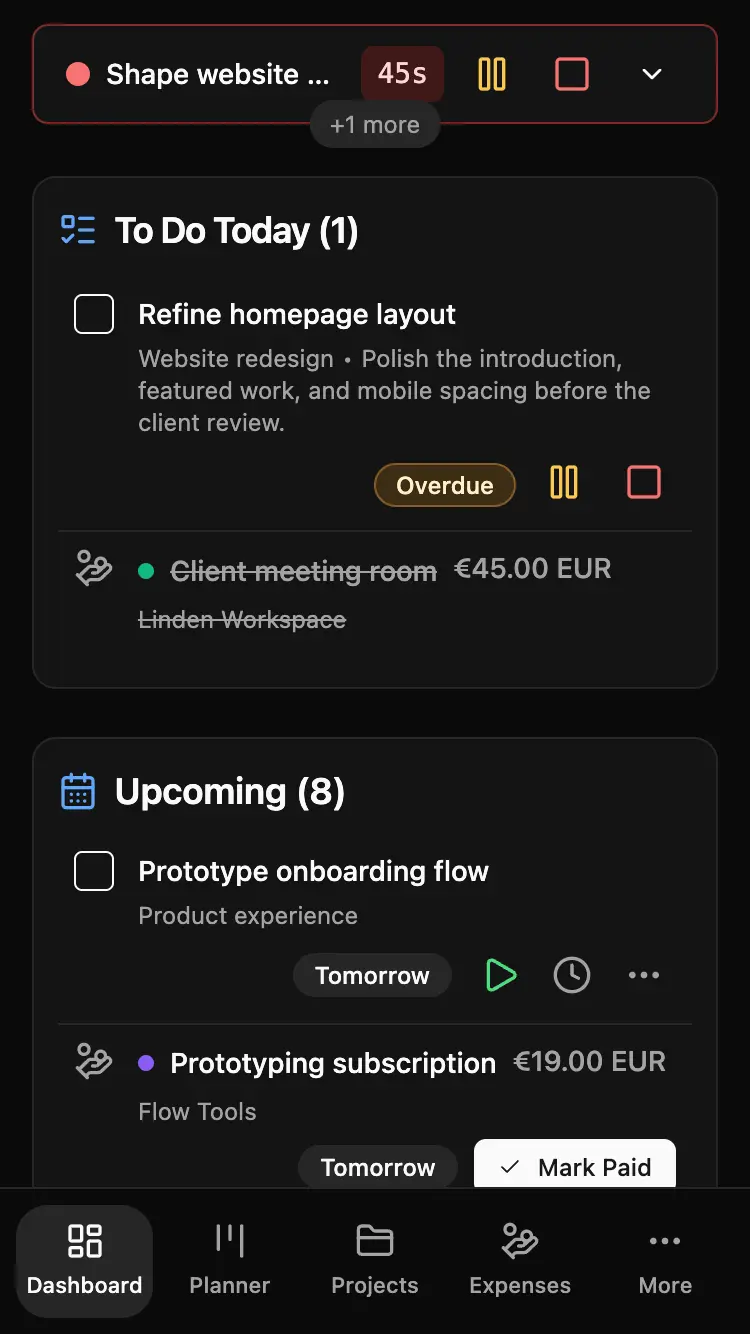
TaskTime Pro gives you the same connected workflow on your phone, tablet, and computer, shaped for each screen instead of cutting the product down.
Local-first by design
Core work records stay in your browser and remain usable offline after TaskTime Pro is loaded or installed. Cloud sync is optional and keeps routine file transfers directly between your browser and the provider you choose.
Projects, clients, tasks, time entries, expenses, and invoices are not placed behind a hosted TaskTime Pro account.
Connect your Google Drive or Dropbox to back up your work and use it across devices. Sync stays optional.
Export a backup of your workspace and restore it on another device. Your records stay yours.
Works with your personal AI
Connect a compatible AI assistant to organize tasks, track time, and prepare invoice drafts from your project’s unbilled work. Review the results in TaskTime Pro and approve sensitive actions.
See how it worksOpen source
TaskTime Pro’s app, tests, agent bridge, and public integrations are available on GitHub. The public site has its own repository. Review the implementation, report an issue, or run the project yourself.
No signup. No setup wall.
Your first project, task, and timer can stay entirely in your browser.
Open TaskTime ProWe found saved data in this browser. Used cloud sync? Open the app and reconnect the same Google Drive or Dropbox account. Otherwise, download a backup and import it in Account → Your Data → Backup & Restore.
Your data stays here until you’re ready.